
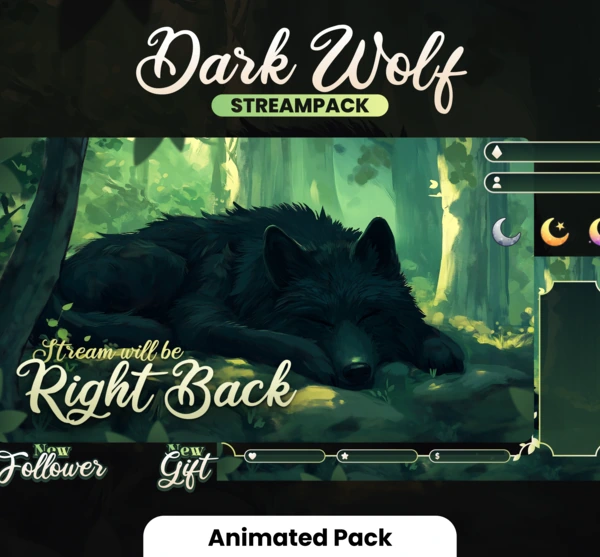
What makes a great Twitch overlay in 2026?
A strong Twitch overlay does more than frame your webcam. It sets the mood of your brand, keeps UI readable over gameplay, and stays light enough for OBS Studio, Streamlabs, or StreamElements.
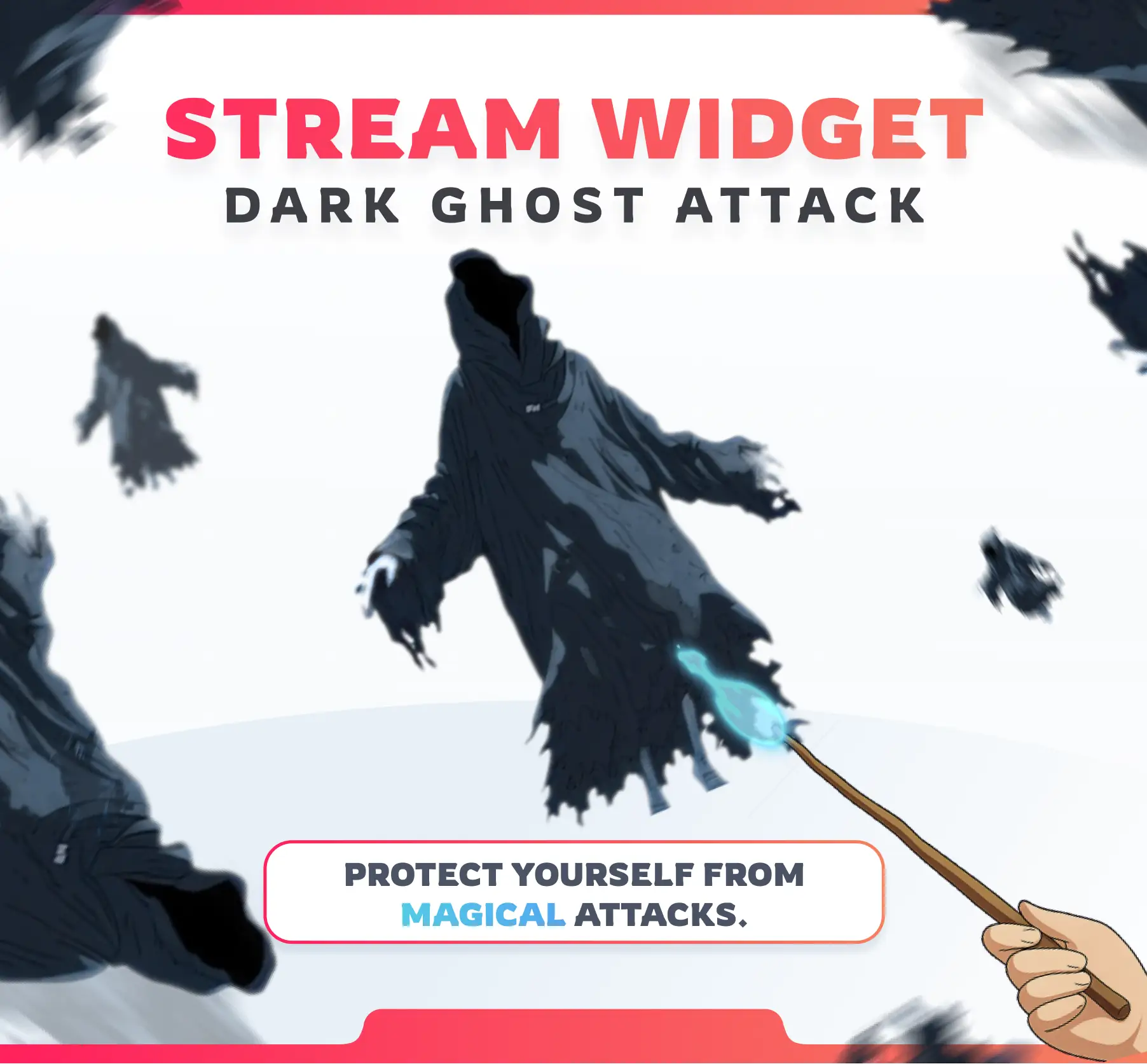
In 2026, streamers also expect overlays that pair well with interactive widgets — alerts, chat games, and mascots — instead of static PNGs alone.
Free vs paid overlays — quick comparison
- Free overlays: great for testing layouts, but often generic, low resolution, or missing matching alerts.
- Paid overlays: cohesive art, clearer webcam frames, matching scenes, and better long-term branding.
- Interactive overlays: widgets and reactive elements that respond to chat, bits, and channel points.
- Best value: a paid pack you can install once and reuse across Twitch and YouTube.


How to install overlays in OBS
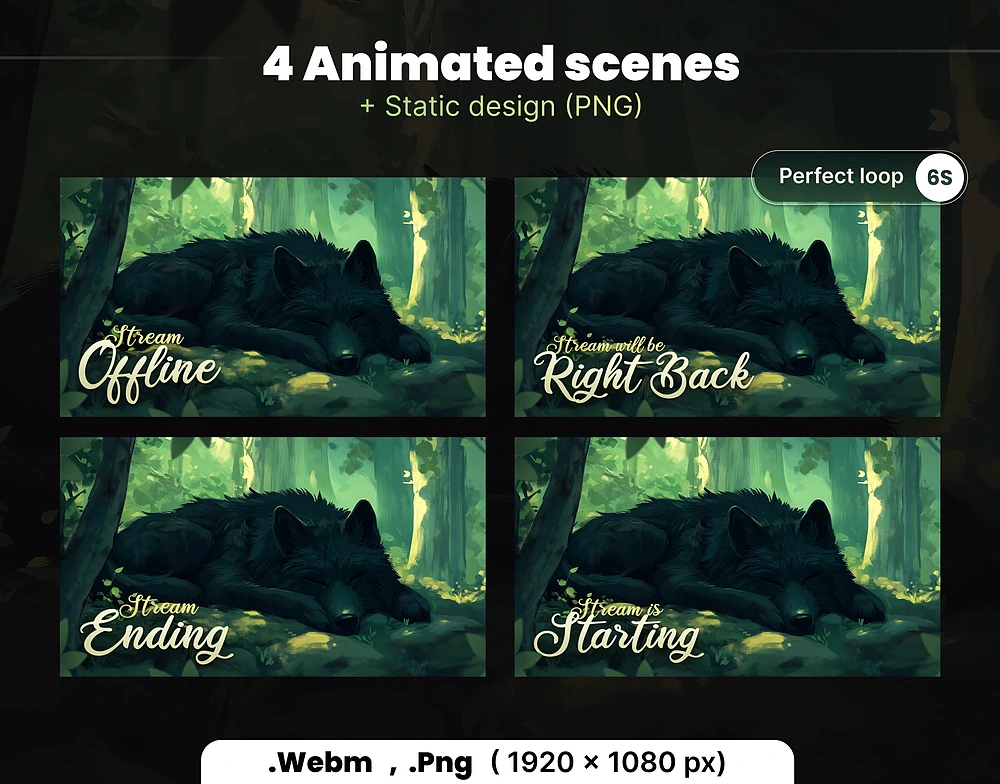
Download your pack, open OBS Studio, and add images or browser sources for each scene (starting, live, BRB, ending). Keep webcam and game capture layers above the background art so nothing covers your face or HUD.
Want interactive layers too? Follow our setup guides for NeoWidgets or StreamElements — most NeoStreamShop products are browser-source ready.
Twitch overlays FAQ
Are free Twitch overlays good enough in 2026?
Free overlays are fine for starting out, but paid packs usually look sharper, match your brand better, and include more scene variations. If streaming is a serious hobby or business, paid overlays are worth it.
Do NeoStreamShop overlays work with OBS?
Yes. Overlays and interactive designs are built for OBS Studio and similar tools (Streamlabs, StreamElements browser sources). Check each product page for size and setup details.
What resolution should stream overlays use?
Most NeoStreamShop designs target 1920×1080 so they stay crisp on Twitch and YouTube at standard 1080p stream settings.
Can I use the same overlay on Twitch and YouTube?
Yes. Overlay graphics are platform-agnostic. Interactive widgets may list Twitch / YouTube / Kick compatibility on the product page.