
What is an interactive stream mascot?
Unlike a static PNG sticker, an interactive stream mascot (or stream pet) reacts live — to follows, subs, bits, chat commands, or channel points. It sits in a browser source and becomes part of your on-stream personality.
NeoStreamShop reactive mascots and Stream Pets V2 are designed for Twitch, YouTube, and (for many pets) Kick, with OBS-friendly setup.
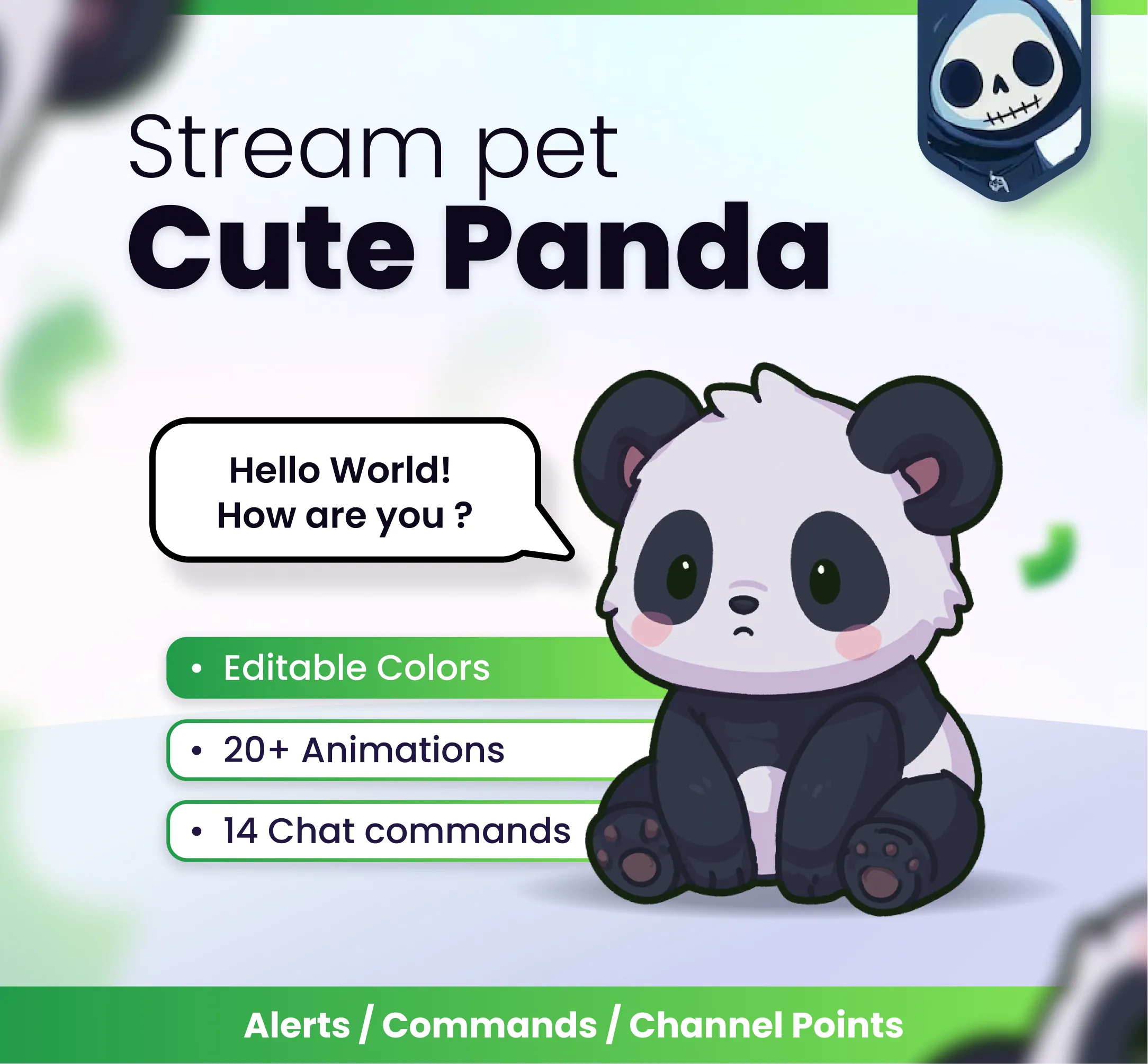
Best interactive stream mascots for OBS
Pick a mascot that matches your vibe — cute, dark, fantasy, or chaotic.
-
Cute Panda
Universal charm. Easy to read on camera and perfect as a default channel mascot.
-
Midnight Wolf
Strong silhouette for gaming / horror / night streams. Pairs well with dark overlays.
-
Cute Dragon
Fantasy branding without looking scary — great for RPG, gacha, and creative streams.
-
Dark Wolf Mascot
A classic reactive mascot look with local preview art — ideal if you want a darker companion near your webcam.


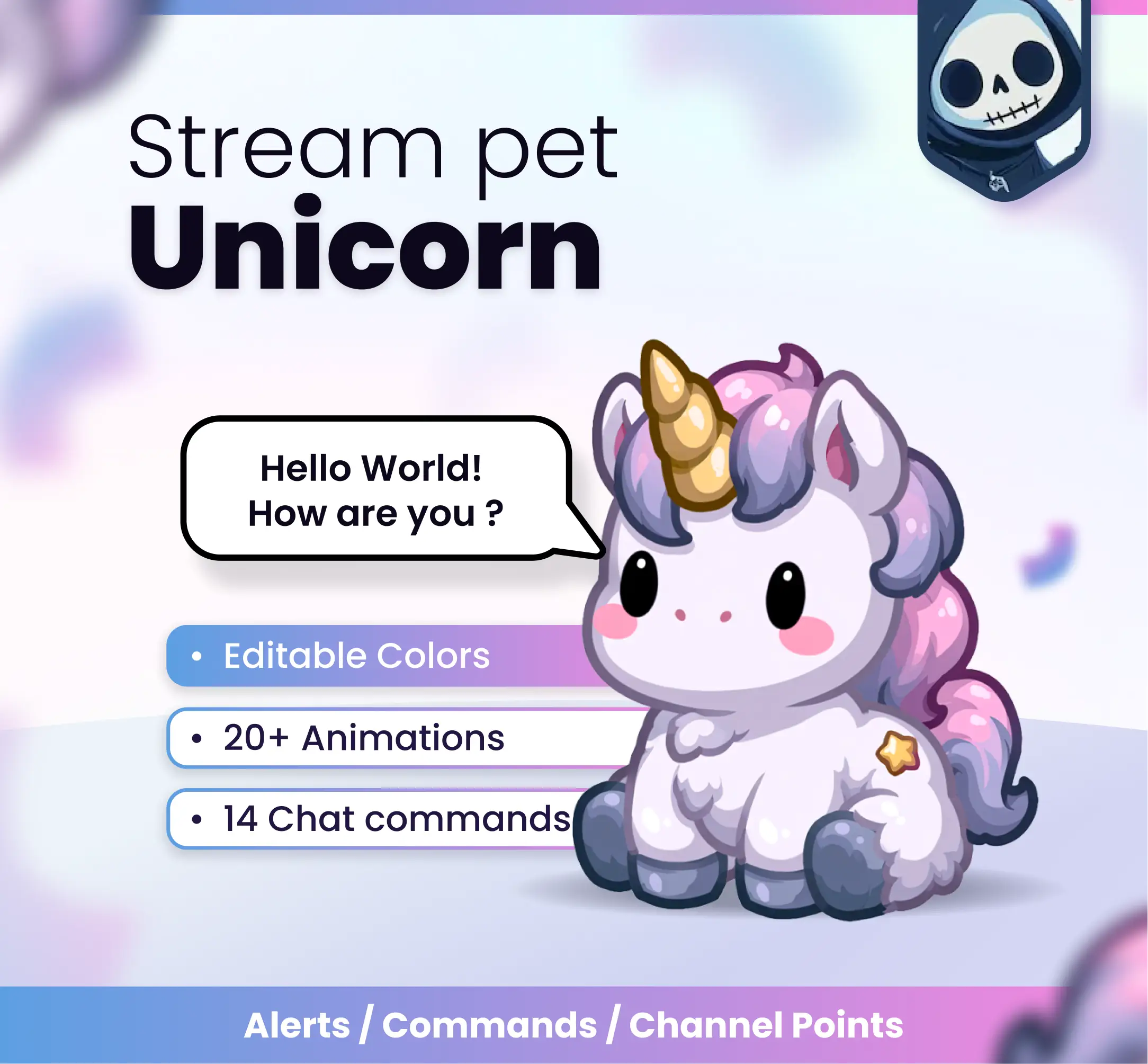


Tips for placing a mascot in OBS
Keep the mascot near a corner or under the webcam so it never covers important gameplay UI. Use a transparent browser source and match the product’s recommended canvas size.
If you run multiple pets, rotate them by stream theme instead of stacking everything at once — clarity beats clutter.
Stream mascot FAQ
What is the difference between a mascot and a community widget?
A mascot is usually your personal on-stream companion. Community widgets let many viewers spawn creatures together (cats, frogs, wolves, etc.). Both can be interactive.
Do stream pets work on Kick?
Many Stream Pets V2 support Twitch, YouTube, and Kick. Always confirm platforms on the product page before buying.
Can chat unlock the mascot with channel points?
Yes on supported products — channel points, commands, and alerts are common triggers for reactive mascots.
Where do I find all mascots?
Browse the Reactive Mascots / Stream Pets collection on NeoStreamShop.